

Looking for an entertainment app that fits your mood? Maybe you enjoy watching web series during a long commute but prefer a comedy show when spending time with your family. Some days, you might feel like watching anime, while on others, regional movies might be more appealing.
Downloading different apps and paying for multiple subscriptions can be costly and inconvenient. So, what is the solution? Tiger app is a free streaming option if you want a variety of content.
Let’s learn more about Tiger, its features, user experience, device compatibility, and other important details.

What is Tiger App?
Tiger is a free streaming application that runs on supported Android devices. It lets you watch movies, anime, episodic shows, web series, and more. You can find different content categories in one place without paying a subscription fee. It can be a good choice for budget-conscious viewers.
Besides a free plan, the Tiger app also has a premium service. The free plan is ad-supported, while the paid one is ad-free and includes some exclusive features.
Tiger App at a Glance
| App Name | Tiger APK |
|---|---|
| Latest Update | September 30, 2026 |
| Version | v2.1.3 |
| Size | 34.5 MB |
| Compatible with | Android 6.0 or above |
| Features | Free Streaming, Downloads, HD Quality |
| Category | Entertainment |
| Developer | Tiger APK Team |
| Price | Free |
Types of Content You Can Watch on Tiger
With Tiger, you don't need separate streaming apps for movies, sports, and web series. It brings different kinds of video content together. We keep adding new titles, so you always have fresh options to watch. On the Tiger app, you can watch:
Movies
The streaming app lists movies from different film industries. You can find titles from both Hindi cinema and international film industries. We also include South Indian movies. You can watch many hit titles from the Telugu, Tamil, and Kannada film industries.
Under the Movies section, you can find categories such as Hit, International, and Most Popular. We cover genres such as action, comedy, drama, romance, thriller, and more.
TV Shows and Web Series
If you prefer watching episodic content, you can explore the Shows section. Here you can find TV shows and web series of different genres. Depending on your choice, you can watch comedy, crime, romance, and other types of shows.
Tiger lists Hindi, Korean, American, and other international shows and series. Many popular and trending titles are available. Some titles are multilingual, so you can watch them in your preferred language.
Live TV
Tiger also lets you watch live TV channels along with prerecorded shows. Without a cable or satellite connection, you can access several TV channels. They belong to categories like entertainment, history, sports, cricket, news, and more.
To access Live TV, you can tap the TV icon in the app. Inside, you will find channels in different categories. Channel lists and access are subject to availability.
Anime
If you enjoy animated stories, you can check out our Anime section. It covers a wide range of themes, from action and adventure to fantasy and comedy. You can choose from a variety of anime series and movies.
We have divided the anime catalogue into clear categories. You can quickly find ongoing titles and popular picks. Like films and web series, some anime titles are multilingual.
Key Features of Tiger
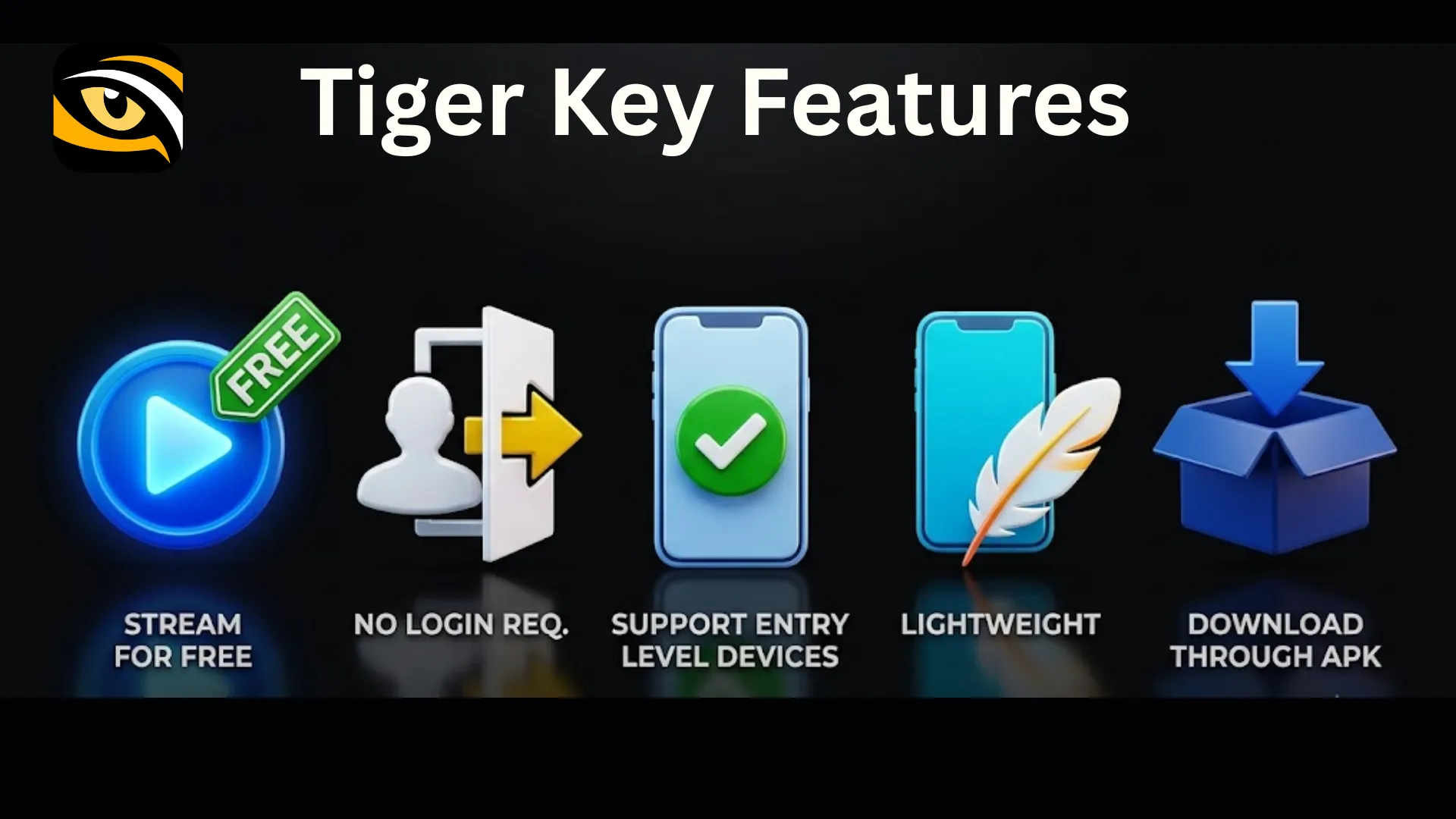
Stream Without a Fee
Tiger app provides access to content without a paid subscription. Our free plan shows some ads to cover costs. However, we keep ads to a minimum. We place them at suitable points to reduce interruptions. This plan may not include all new releases or trending content. However, your viewing experience may still meet your expectations, considering it is free.
No Mandatory Login
Some users prefer not to share their phone number or email until they know an app suits their needs. Tiger lets you try the app without signing up or creating an account. You may miss some personalized features. However, this can be useful if you only want to try the app before deciding whether to keep using it.
Supports Entry-Level Devices
To stream content on the Tiger app, you don’t need a high-end Android device. The app has a small file size and works on even older Android versions. If your Android device runs Android 6.0 or later, you can install the app.
Lightweight
While it's not an actual feature of the app, it matters a lot when you have a budget phone. Due to its smaller file size, users can install and use it on devices with limited storage. You do not need expensive Android smartphones to use this app.
Download Through APK
We distribute the Tiger app as an APK (Android Package Kit) through our official website. You can simply visit the website and download the app. You don’t have to rely on any third-party platform for installation and upgrades.
What Does Tiger Premium Offer?
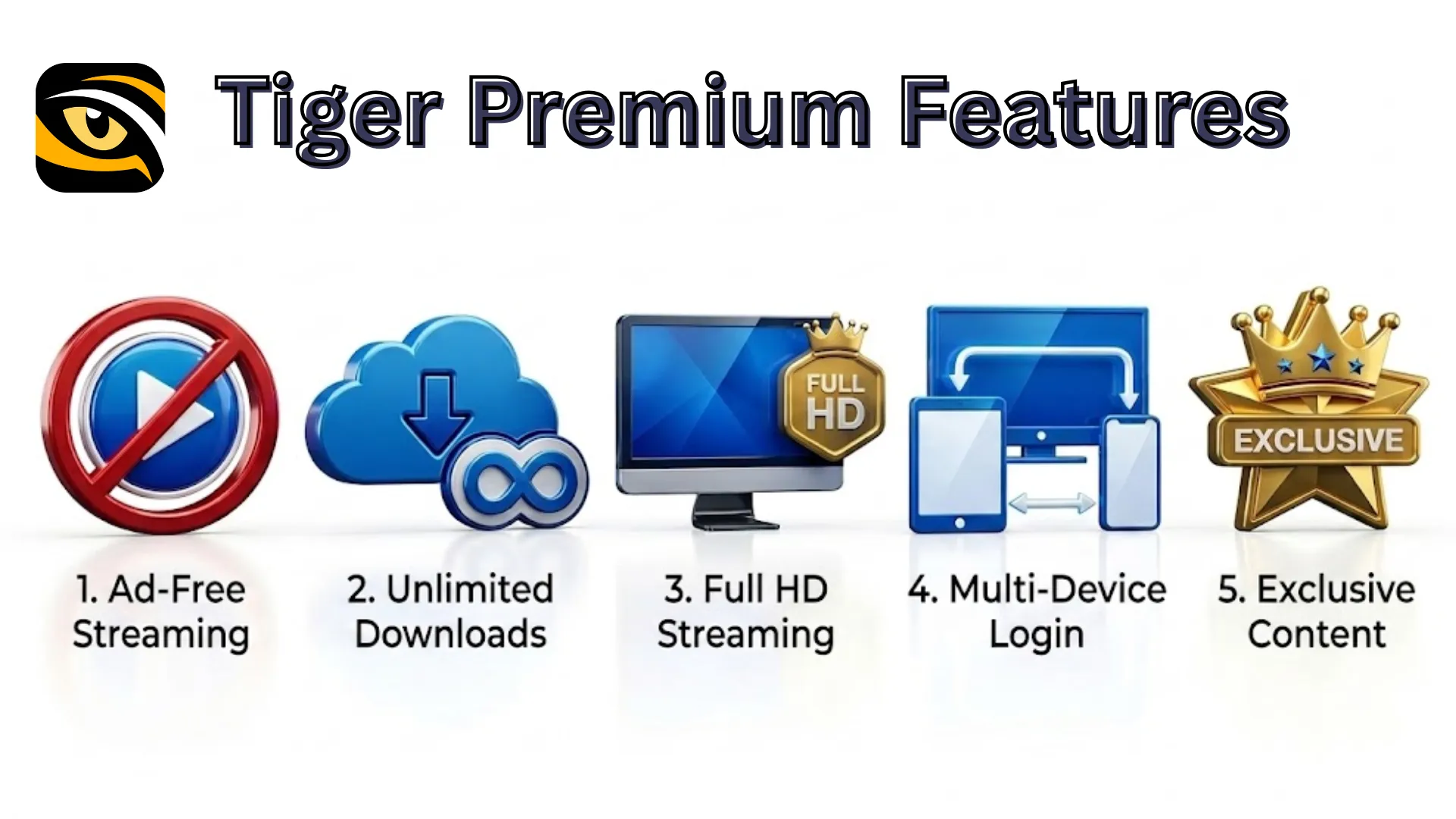
If you feel the standard plan is not working for you or you want more control over the viewing experience, upgrade to Tiger Premium. The plan comes with the following advanced features:
Ad-Free Streaming
With Tiger Premium, you can fully immerse yourself in your favorite content. No banners, pop-ups, or pre-roll ads will interrupt you. You can binge-watch without ad interruptions. No ads will spoil your mood during intense scenes and special moments in a movie.
Unlimited Downloads
Our premium plan supports offline viewing. You can download an unlimited number of titles and watch them anytime. You do not require an active internet connection to play downloaded titles. It is a useful feature if you are travelling or in an area with a poor internet connection. It also saves your mobile data. You can find all the downloaded titles within the app's Downloads section.
Full HD Streaming
Picture quality matters more when you watch a video on a bigger screen. Tiger Premium supports full HD streaming at up to 1920 × 1080 pixels on compatible devices. This gives you clear images with more detail than lower resolutions. If you watch content on your TV, consider Tiger Premium for a clearer viewing experience.
Multi-Device Login
Tiger Premium allows one account to work across up to three Android phones and two TVs. You can access the app on supported devices using the same account. This gives you the flexibility to watch different content on different devices.
Exclusive Content
Some titles are available only to Premium users. You can watch trending movies, web series, and regular shows with this plan. It also gives you access to newly released content. You can request a title that is unavailable in the app. Our team will give priority to your request.
Priority Customer Support
The Premium plan gives you access to faster customer service. You can get help with technical issues and app errors. Our team will guide you through the steps to fix the problem and help you get back to streaming.
Tiger App User Experience
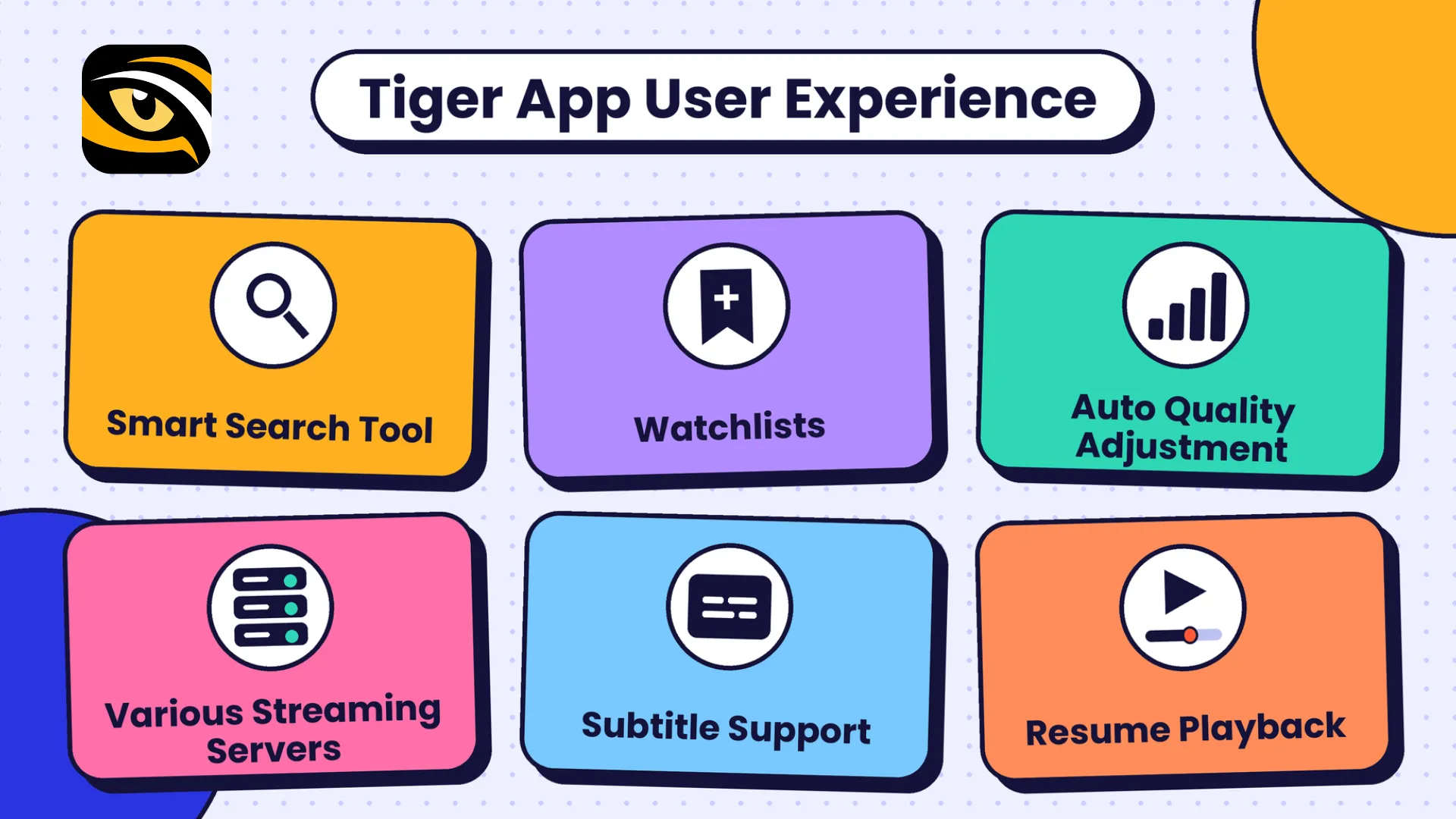
Even a feature-rich streaming app becomes useless if users cannot navigate it. Our development team has paid special attention to user experience. Users of different ages and abilities can use Tiger easily. You can find, play, and download videos without any formal training or help. Some features that make our app more user-friendly include:
Smart Search Tool
The smart search tool makes content search easy. You can find it at the top of the app's Home screen. You can search for any movie or show by entering a keyword. It allows you to search content by title, actor, artist, or genre.
This is useful when you know what you want to watch but do not know where to find it. This smart search tool is quite advanced. The tool supports autocomplete and keyword interpretation. It makes searching for titles faster and more accurate.
Watchlists
Sometimes, you find movies that you are interested in watching but can’t watch immediately. You can add them to your watchlist. They will remain saved in the list, so you can open them directly without searching for them again.
Adding content to this list is quite easy. Go to the title and tap “+ List.” To access all your saved titles, tap on the Watchlist. These titles remain within the app as long as they are available from the source.
Auto Quality Adjustment
Video playback depends on your internet speed. A slow or unstable connection can cause buffering and pauses. Adaptive streaming helps by changing the video quality to match your connection speed.
For example, the player may lower the quality when your connection slows down. This helps minimise disruptions while streaming. With this feature, you don't need to change the resolution manually.
Various Streaming Servers
A video may sometimes buffer or fail to play. This can happen because of a weak connection or a problem with the server sending the video. If you have trouble playing a video, try another available server. Sometimes, this happens due to server overload.
Some titles on Tiger have multiple streaming servers. You can switch to another if you experience buffering or any other playback issue.
Subtitle Support
Subtitles help you follow a video when the dialogue is hard to understand. They can also help when you watch content in another language. If subtitles are available, you can turn them on through the video player. You can select your preferred language from the available options.
Subtitle availability varies from title to title. Some may have several subtitle options, while others may have none. If you don't want subtitles on your screen, turn them off.
Resume Playback
You may not always have time to finish a movie or episode in one sitting. Resume playback can help you continue from where you stopped. You do not need to search through the video to find the same scene again.
When you return to a title, the app may offer an option to continue watching from your last position. This is useful for long movies and multi-episode shows.
Tiger App Supported Devices
Tiger runs only on Android devices. However, you should check your device’s Android version and other compatibility requirements before starting the installation. You can use the app on the following devices:
Smartphones and Tablets
You can install the app on all phones and tablets with Android 6.0 or later. Older versions may not support the app or may cause poor performance. Also, make sure your phone or tablet has enough RAM and storage to run the app and store its files and cache.
Smart TVs
You can also install Tiger app on your smart TV. The app runs on Android-based smart TVs. Remember, not all smart TVs have an Android operating system. For example, Samsung TVs generally use Tizen, while LG TVs run on webOS. These TVs have different operating systems from Android TV, so they may not support the app.
Fire TV Stick
This is another way to use Tiger on a TV. This plug-and-play stick runs on Android-based Fire OS. Therefore, it can support compatible Android apps. You can also use this stick with non-smart TVs. Simply plug it into your TV’s HDMI port, connect it to Wi-Fi, and complete the initial setup.
Installing Tiger on the Fire TV Stick is simple. Open Settings on your Fire TV Stick, go to My Fire TV, and then navigate to Developer Options. Next, allow app installation from unknown sources if prompted. Download the Tiger APK file, select Install, and launch the app once the installation process is complete.
Pros and Cons of Tiger App
Every streaming app has its ins and outs, and Tiger app is no different. The following strengths and limitations can help you decide whether the app suits your needs and device.
Strengths of Tiger App
- Tiger app combines multiple entertainment options in a single platform. You can access different categories of content.
- On Tiger app, you can stream a variety of content for free.
- It is easy to install the app on compatible Android devices using an APK.
- Tiger is compatible with Android phones, tablets, and TVs with the required Android version.
- The app supports convenient playback. Users can play videos directly within the app using the default player.
- Tiger lets users choose a suitable screen, such as a phone, tablet, or supported TV, based on their needs.
Limitations of Tiger App
- Some titles may become unavailable over time. The available catalogue depends on the sources and their current status.
- Tiger supports only Android devices. Users with iOS or other unsupported devices may not be able to access the app.
Tiger App Safety Features
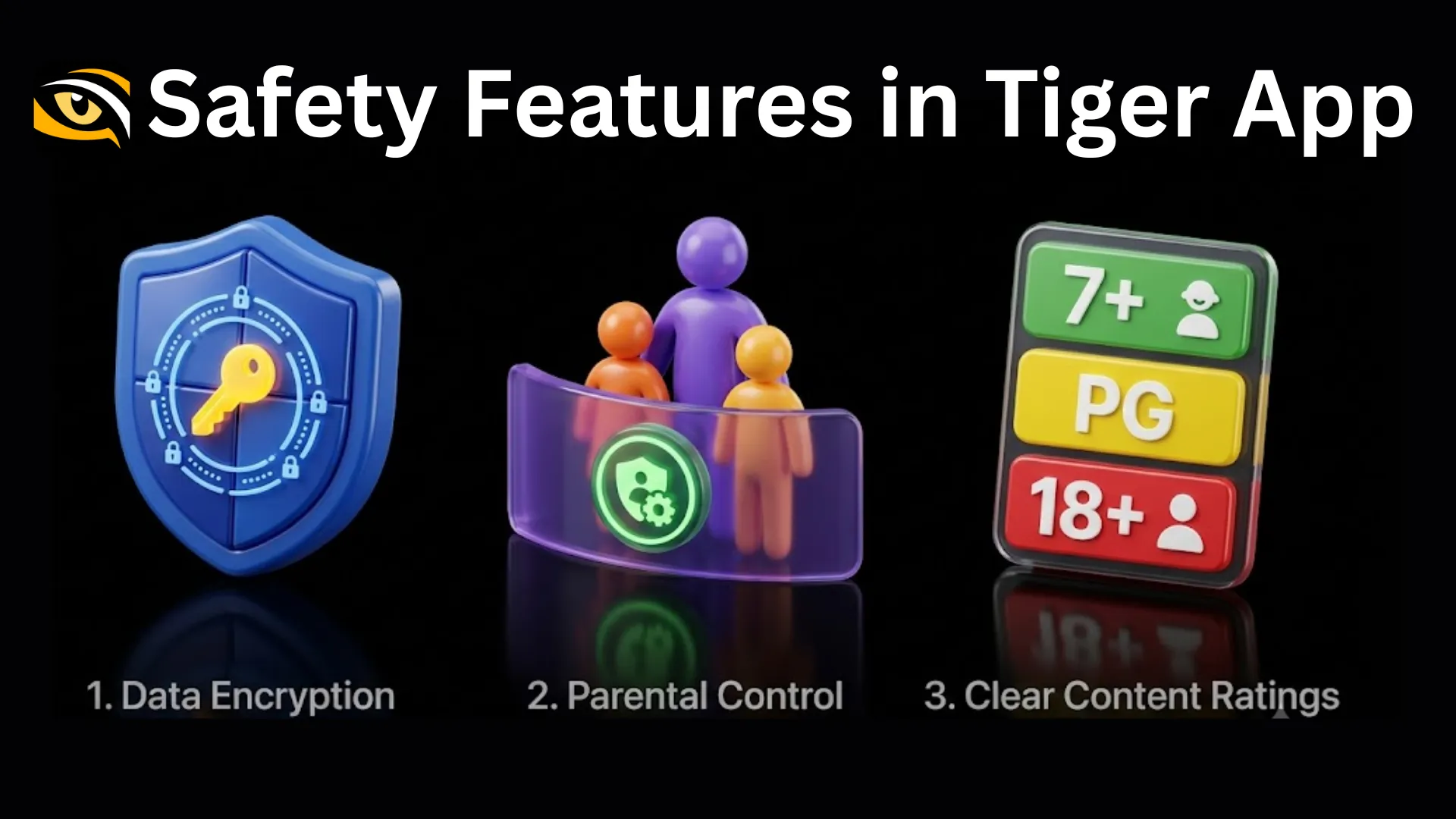
Is Tiger app safe? This is probably one of the main questions first-time users ask. After all, cybersecurity is the prime concern nowadays for everyone. The team at Tiger works to keep the app safe from potential threats.
We use various standard security practices to provide you with a safe user experience.
Data Encryption
Data protection matters when you use an app on your phone or tablet. Tiger uses standard data encryption features to protect data during transfer. It converts regular information into a coded form. It makes it harder for hackers to read the data while it moves between your device and a server.
Parental Controls
On streaming apps, not every video title is appropriate for your kids. To limit what your children can watch on Tiger, use its parental controls. This feature helps you manage access to content that may not be suitable for them.
Go to Me > Settings > Parental Controls in the app. Toggle the Parental Controls switch and choose the content type you want to lock. You will need to set a four-digit password. You can unlock it whenever required.
Clear Content Ratings
While this is not a safety feature, it helps you identify which content is appropriate for you. We have categorized all available content into the following five-tier rating system:
Tier 1: All Ages (U/Universal)
These titles are suitable for viewers of all ages. Families can watch them together, as they avoid adult-focused content.
Tier 2: 7+ Kids
This category is for children aged 7 and older. Some titles may feature mild action or brief scenes that need parental guidance.
Tier 3: 13+ Teens
These titles are suitable for viewers aged 13 and above. They may include moderate action, mild language, or themes suited to teenagers.
Tier 4: 16+ Teens
This category is more suitable for viewers aged 16 and older. These titles may feature intense action, stronger language, violence, or more mature subjects.
Tier 5: 18+ Adults
These titles are for adults aged 18 and above. They may include explicit language, violence, or themes meant for a mature audience.
Not every video is suitable for every age group. You can choose titles based on these ratings, especially if you are watching content with family.
To a large extent, user safety depends on how you handle your data while using an app. To stay safe on Tiger, you can follow these tips:
- Download the app only from the official Tiger website. Avoid untrusted links.
- Review app permissions carefully before granting access.
- Use strong passwords for your accounts. Avoid using the same password across apps and websites.
- Never share your passwords or bank OTPs with anyone.
- Keep your device secure and your Android version up to date.
Conclusion
Tiger app can be worth trying for people who are looking for a free streaming app. From films and shows to sports and kids' entertainment, it offers options for different viewers. Also, it can run on some basic Android phones. Download it now to check if it meets your needs.
FAQs
Why does Tiger app ask for permissions on my phone?
Like any other app, Tiger requires certain permissions to work properly. For example, it may seek internet access to stream videos and load titles. Similarly, it may request permission to send notifications. You can check these permissions on your smartphone. Open Settings > Apps > Tiger > Permissions. Disable any permissions you find unnecessary.
Can I change the default download location in Tiger app?
No, you can't. The Tiger app uses its own default location to save titles. All the titles you download to watch offline are saved within the app. You can tap on the Downloads section to find them.
Can I stream videos on Tiger app without Wi-Fi?
Yes, you can stream videos using mobile data if you have an active internet connection. Keep in mind that streaming may use a lot of mobile data, especially at higher video quality settings. Make sure you have adequate mobile data.
How can I check whether a Tiger app APK file is genuine?
Always get an APK file from the official website. If you are not sure about it, remember to verify certain details. Check the official logo, app version, APK file size, etc. Don't use any random website shared by strangers. Don't click on suspicious pop-up download links.
Can I change the video quality to save mobile data?
Yes, you can. Go to the app player and tap on the video quality setting option. Based on your needs, you can choose SD 480p and HD 720p. Premium users can also select FHD 1080p. If you need to save mobile data, select a lower video resolution.
What should I do if a movie is unavailable in my preferred language?
First, check the movie's audio and subtitle options. Some titles offer more than one language, while others may be available in only one language. Not all titles support multiple languages. If your preferred language is missing, try another version of the title, if available. You can also check again later, as language options may vary by title and source.
Does Tiger keep track of my watch history?
If you have created an account on the Tiger app, we can keep track of your watch history. This helps us understand your viewing habits and show you more relevant content. We can suggest titles based on your interests and preferences. It also helps us provide you with a more personalized viewing experience.